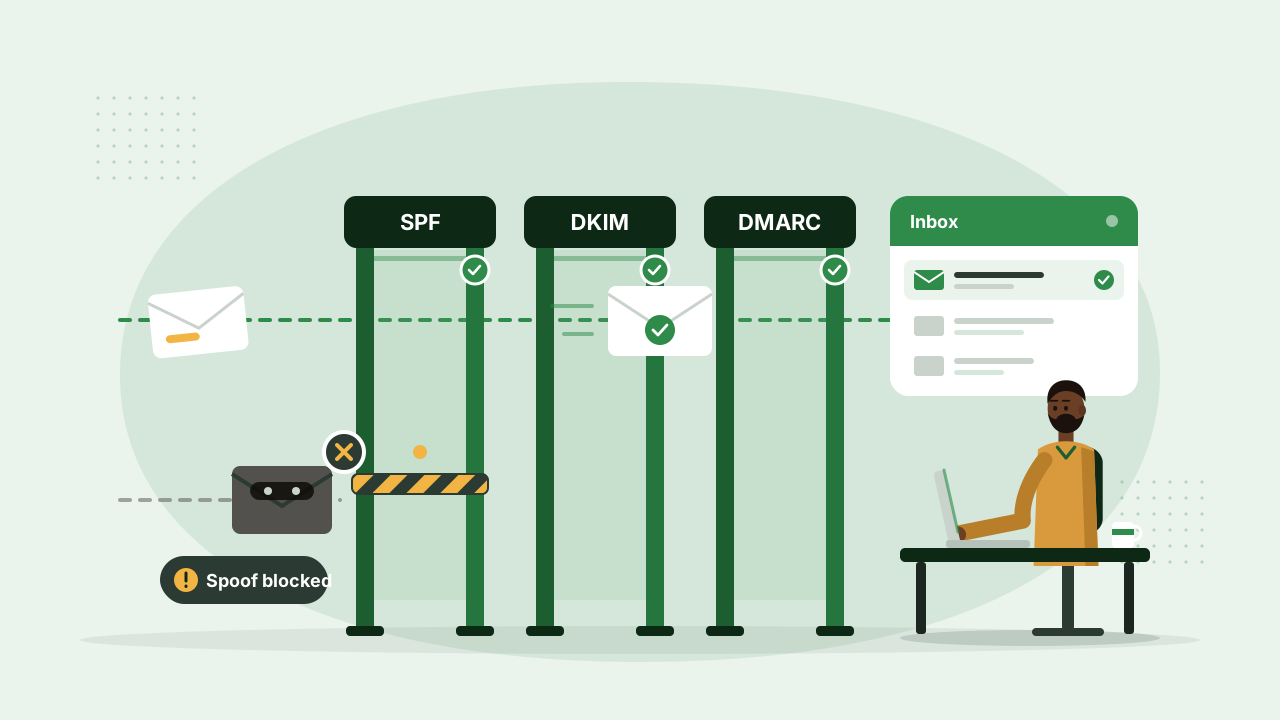
Why email ends up in spam
Anyone can put your company's address in the “From” line of an email. Receiving servers protect their users by checking whether a message really came from you. If your domain doesn't publish the right records, your genuine emails look just as suspicious as forged ones.
SPF: who may send for you
An SPF record lists the servers allowed to send email for your domain. If a message comes from a server that isn't on the list, receivers treat it with suspicion.
DKIM: a tamper-proof signature
DKIM adds a digital signature to each email. The receiver checks it against a public key in your DNS, which proves the message really came from your domain and wasn't altered on the way.
DMARC: what to do with failures
DMARC tells receivers what to do when a message fails SPF or DKIM, whether to deliver it, quarantine it or reject it, and where to send reports. Start in monitoring mode, read the reports, then tighten the policy once you're sure your real email passes.
“Set up all three. Each one covers a gap the others leave open.”
These records live in your domain's DNS settings. If you're not sure what yours say, we can check them and fix what's missing.